How to Audit Who Has Accessed Your Marketing Documents (Without Asking Anyone)
Firma Editorial
Document Security Expert
TL;DR
A document audit trail records every access event — who opened what, when, and for how long. This data is valuable for both security (detecting unauthorised access) and client management (knowing what your client has actually read before your next meeting).
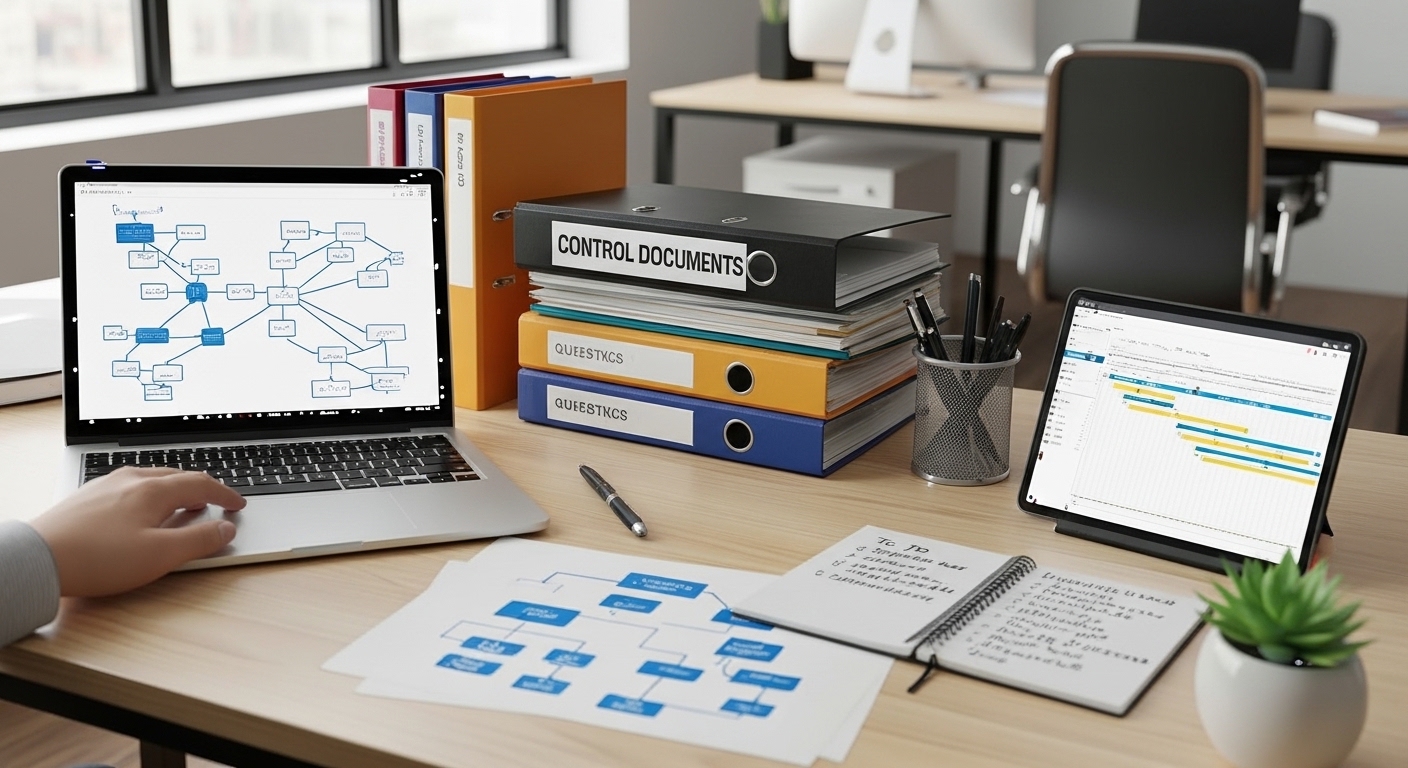
How to Audit Who Has Accessed Your Marketing Documents
The question "has the client actually read this?" comes up in almost every client engagement. You sent the strategy deck two days ago. You have a call in an hour. You don't know whether to walk them through it from scratch or dive straight into Q&A.
A document audit trail answers this question definitively — along with a range of security and IP questions you didn't know you needed to ask.
What Is a Document Audit Trail?
A document audit trail is a log of every access event for a document: who opened it, when, how long they spent on it, and (in some systems) which sections they engaged with most.
It's standard infrastructure for Virtual Data Rooms (used in M&A and legal contexts) but largely absent from the everyday document-sharing tools most marketing agencies use.
What You Can Learn from Document Audit Data
Pre-meeting intelligence: Before a client call, check whether they've opened your deliverable. If they haven't, you know to allocate time for a walkthrough. If they have — and spent 47 minutes on the competitive analysis section — you know where the questions will focus.
Engagement confirmation: For clients who say "I'll review this over the weekend," the audit trail tells you whether they actually did. This context shapes how you approach follow-up.
Unauthorised access detection: If your document is accessed from an unfamiliar location or by an unexpected party, the audit log gives you early warning. Particularly valuable for sensitive strategic documents shared during active engagements.
IP exposure assessment: When an engagement ends, the audit trail shows who has accessed what. This informs your revocation priorities: a document that was opened 30 times by 5 different people is a higher IP priority than a document that was never opened.
Getting Audit Trails in Practice
Google Drive: Basic access logs are available in Google Workspace Admin Console. They show who accessed files and when, but lack reading time, section-level engagement, or real-time visibility.
Firma portal: Engagement analytics in Firma provide real-time access data — who opened which document, session duration, and access history per document and per recipient. This is available without any setup beyond the standard portal configuration.
The practical difference: Google Drive audit logs are a security tool (detective, not preventive). Firma's engagement analytics are a client relationship tool — real-time, actionable intelligence that changes how you manage engagements.
Frequently Asked Questions
Can you see who has accessed a Google Drive document?
In Google Workspace, admins can view file access logs through the Admin Console's Audit and Investigation section. This shows who accessed which files and when, but doesn't include reading time or section-level engagement data.
What document audit trail tools are available for marketing agencies?
Google Workspace Admin Console provides basic access logs. Purpose-built client portals like Firma provide more detailed engagement analytics including access duration and history per document, accessible without admin-level permissions and in real time.
Is it ethical to track document access when sharing with clients?
Yes — with appropriate disclosure. Most professional client portals include language in their terms about engagement tracking. Many agencies mention it as a feature: "I'll be able to see when you've reviewed the materials so I can follow up at the right moment." Clients generally appreciate the attentiveness this enables rather than finding it intrusive.